
How to Manage Applicants on JobsLebanon (Employer Dashboard Guide)
Key Takeaways
Every application to your JobsLebanon jobs lands in one place: the Applicants tab of your employer dashboard.
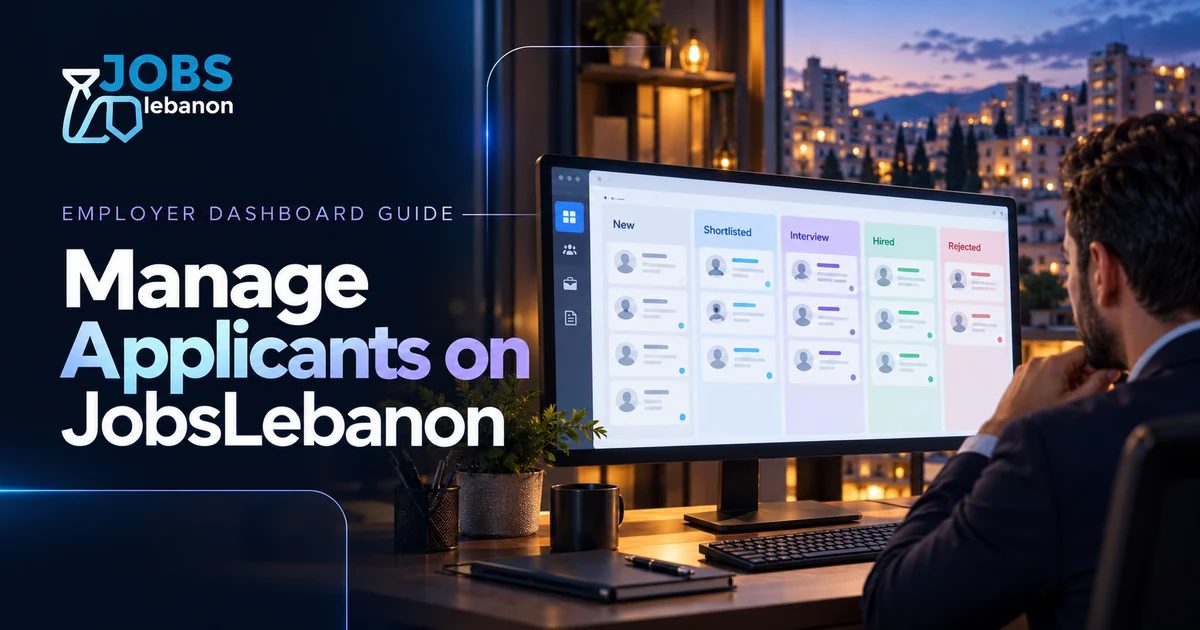
You can move candidates through five stages: New, Shortlisted, Interview, Hired and Rejected.
The Pipeline view lets you drag candidates between stages; the Matches view suggests resumes that fit your job.
Screening questions with must-haves flag applicants who do not meet your requirements automatically.
Only jobs that use the board's own application form collect full applicant profiles in the dashboard.
Posting a job is the easy part. Managing applicants on JobsLebanon is where you save, or lose, hours every week.
Your employer dashboard keeps every application, CV and screening answer in one place, so you do not have to dig through email threads and WhatsApp messages to find the candidate you liked last Tuesday.
This guide walks you through the dashboard step by step: signing in, reading applications, moving candidates through stages, contacting them and closing the job when you hire.
1. How Do You Sign In to the Employer Dashboard?
JobsLebanon uses email codes instead of passwords.
Go to Sign in and enter the email you used to create your employer account.
Enter the 6-digit code we send to your inbox.
You land in your dashboard.
New to JobsLebanon? Create an account, choose Employer, and add your name, phone number and city.
2. What Is in the Employer Dashboard?
The dashboard has a tab bar at the top. These are the tabs you will use most:
Tab | What it does |
|---|---|
Manage my Jobs | All your listings with status, views, applicant counts and end dates |
Business profile | Company details shown on your public company page |
Applicants | Everyone who applied to your jobs, newest first |
Analytics | An overview of your hiring performance |
Billing | Plans, invoices and payment status |
If you subscribe to the CV Database ($79 per month or $499 per year), you can also search candidates directly instead of waiting for applications.
3. How Do You Track Your Jobs?
Open Manage my Jobs. Each listing shows:
Status: Active, Draft, Pending or Expired
Applicants: the total, plus how many are new
Views: how many people opened the job
End date: how many days are left before it expires
From the menu on each job you can Edit it, Open listing to see the public page, Close job when you have hired, or Reopen job if you need more applicants. Drafts show a Finish and publish button.
Lots of views but few applicants? That usually means the title, salary or requirements need work, not that nobody is looking.
4. How Do You Review Applications?
Open the Applicants tab. You can filter by job and by stage, and sort by Newest first or Highest score.
Click an applicant to see:
Their name, contact details and when they applied
Their resume PDF, plus a summary of experience, education, skills and languages read from the resume
Answers to your screening questions
A cover letter, if they wrote one
If you added screening questions with must-haves when you posted the job, each applicant is marked Meets all must-haves or Knocked out, with the reason. Start with the ones who meet them.
5. How Do You Move Candidates Through Stages?
Every applicant starts as New. As you review, move them to:
Shortlisted: worth a closer look or a call
Interview: invited to interview
Hired: offer accepted
Rejected: not a fit this time
Use the Shortlist and Reject buttons, or Move to stage for any stage. Rejected someone by mistake? Restore brings them back.
Prefer a visual board? Switch to the Pipeline view and drag each candidate card to another stage.
6. How Do You Contact Applicants?
Open an applicant and choose Email this candidate. JobsLebanon prepares a message using their name and the job title. Review it, then send it from Gmail, Outlook or your own mail app. Nothing is sent until you press send in your inbox.
To call, choose Call. You can copy the number or call straight from your device.
Reply quickly to strong candidates. Good people in Lebanon often have more than one offer on the table.
7. What Are Matches?
The Matches view shows resumes already on JobsLebanon that fit your job: past applicants and talent pool members, ranked by how well their resume matches your post.
These people have not applied yet. If one looks right, use Invite to apply to send them a message about the role.
8. Why Do Some Jobs Show Apply Clicks Instead of Applicants?
When you post a job, you choose how people apply: the board's internal form, an external form, email, a website link or phone.
Only the internal form collects full applicant profiles in your dashboard. The other options send people elsewhere, so the dashboard counts apply clicks instead. To manage everyone in one place, use the internal form.
Frequently Asked Questions
Where do I find people who applied to my job?
Sign in and open the Applicants tab. You can filter by job and stage, and open any applicant to see their resume and answers.
Can I add screening questions to my job?
Yes. Add your own questions when you post or edit the job, and mark must-haves. Applicants who fail a must-have are flagged as knocked out.
How do I close a job once I have hired?
Go to Manage my Jobs, open the job's menu and choose Close job. The listing is removed from the public board, and you can reopen it later if needed.
Does JobsLebanon email candidates for me?
The dashboard prepares the email, but you send it from your own inbox. This keeps replies in your mailbox and lets you edit the message first.
Why do I see apply clicks but no applicants?
Your job probably sends people to an external form, email, website or phone. Switch the apply method to the internal form to collect applicants in the dashboard.
Can someone help me sort a large number of applicants?
Yes. Applicant Tabulation costs $49 per role and the Shortlist Service costs $199 per role. Both are add-ons bought with a job post.
Conclusion
The JobsLebanon employer dashboard puts every application in one place. Use screening questions to filter early, move candidates through clear stages, contact them from your own inbox and close the job when you hire.
A few minutes in the Applicants tab each day keeps your hiring fast and organised.
Not hiring yet? Post your first job on JobsLebanon; the first post can be free.